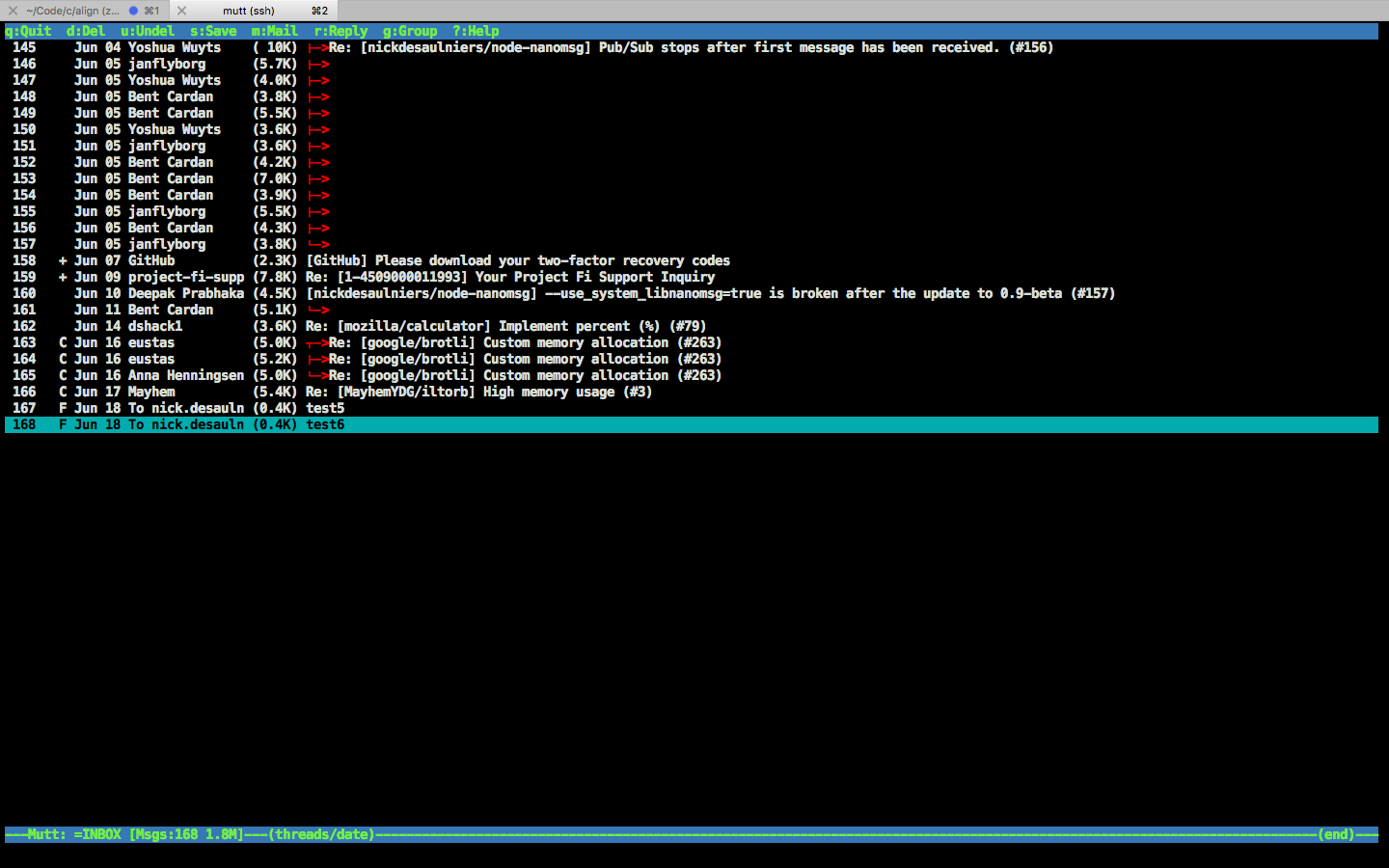
I was looking to set up the mutt email client on my Ubuntu box to go through my gmail account. Since it took me a couple of hours to figure out, and I’ll probably forget by the time I need to know again, I figure I’d post my steps here.
I’m on Ubuntu 16.04 LTS (lsb_release -a)
Install mutt:
$ sudo apt-get install mutt
In gmail, allow other apps to access gmail:
Allowing less secure apps to access your account Less Secure Apps
Create the folder
$ sudo touch $MAIL
$ sudo chmod 660 $MAIL
$ sudo chown `whoami`:mail $MAIL
where $MAIL for me was /var/mail/nick.
Create the ~/.muttrc file
set realname = "<first and last name>"
set from = "<gmail username>@gmail.com"
set use_from = yes
set envelope_from = yes

set smtp_url = "smtps://<gmail username>@gmail.com@smtp.gmail.com:465/"
set smtp_pass = "<gmail password>"
set imap_user = "<gmail username>@gmail.com"
set imap_pass = "<gmail password>"
set folder = "imaps://imap.gmail.com:993"
set spoolfile = "+INBOX"
set ssl_force_tls = yes

# G to get mail
bind index G imap-fetch-mail
set editor = "vim"
set charset = "utf-8"
set record = ''
I’m sure there’s better/more config options. Feel free to go wild, this is by no means a comprehensive setup.
Run mutt:
$ mutt
We should see it connect and download our messages. m to start sending new
messages. G to fetch new messages.